
Networking
VLAN
Also known as: Virtual Local Area Network
A logical segment on a physical switch that isolates traffic between device groups — separate networks without extra hardware.
A VLAN (Virtual Local Area Network) is a logical network segment created on a physical switch that isolates traffic between groups of devices. VLANs let you separate networks — say, employee workstations from security cameras — without buying separate switches.
What a VLAN does
A switch, by default, forwards traffic to every port. Put 100 devices on one switch and a broadcast from any one of them reaches all 99 others. VLANs fix this by dividing the switch into isolated segments. Traffic in VLAN 10 never reaches VLAN 20 unless it passes through a router or Layer 3 switch — which is exactly where you want to enforce security policy.
The practical result: you can run your workstations, servers, VoIP phones, guest Wi-Fi, and security cameras on the same physical infrastructure while keeping each group's traffic completely separate. A guest on your guest VLAN can't reach your file server. A compromised IoT device can't talk to your workstations. The segmentation is real and enforced at the switch level.
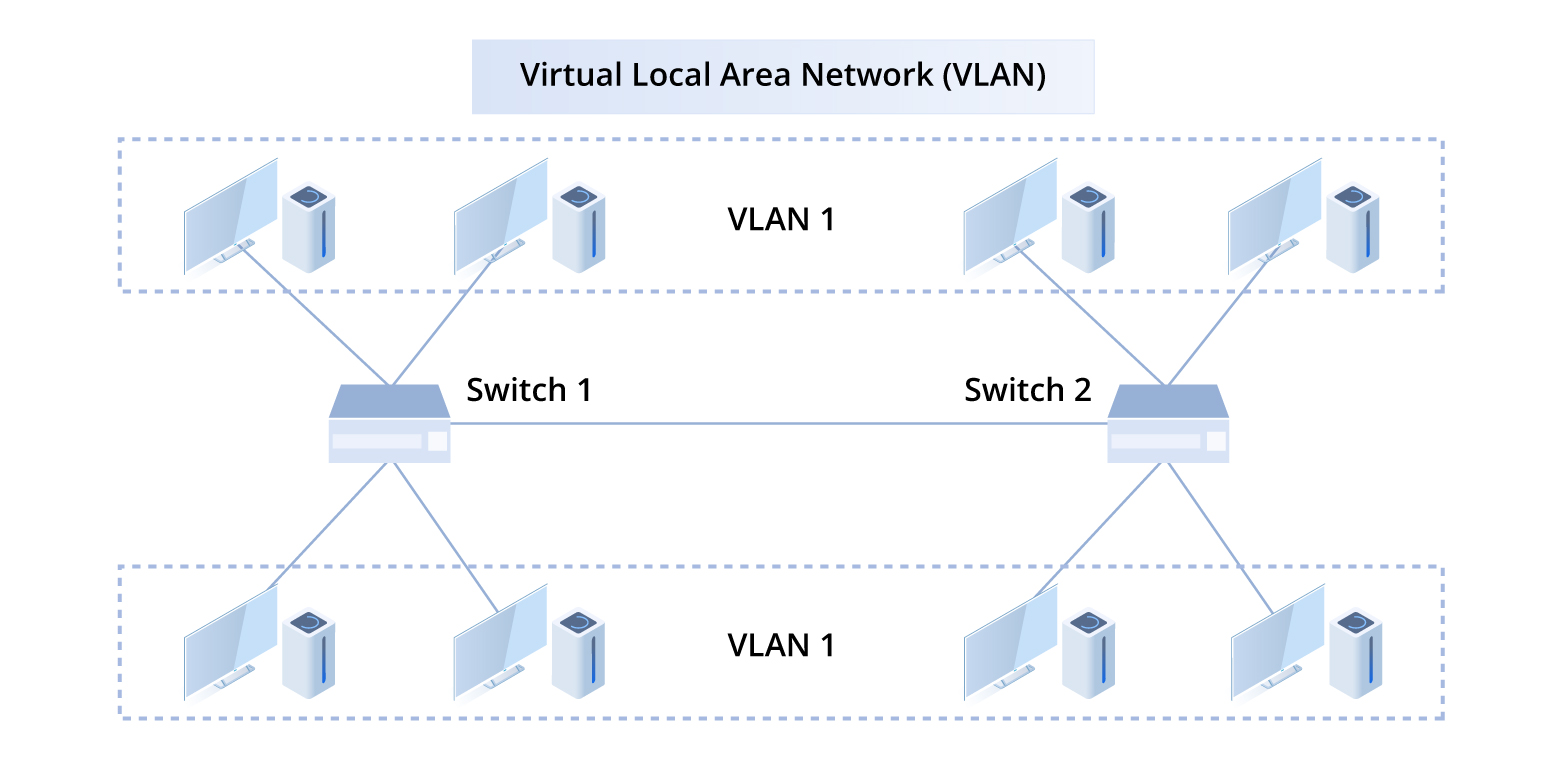
VLAN types
Data VLAN — standard user and device traffic. Most of what runs on your network.
Voice VLAN — dedicated to VoIP traffic. Phones are tagged into a separate VLAN so QoS policies can prioritize voice packets and prevent call quality issues when the data network is under load.
Management VLAN — isolates access to network device management interfaces (switch web UIs, SSH, SNMP). Should be restricted to IT staff only. Not giving users any path to management interfaces is one of the cheapest security wins available.
Native VLAN — the VLAN assigned to untagged traffic on a trunk port. The default is usually VLAN 1 on most switches; changing it is a standard security hardening step.
Routing between VLANs
VLANs by design don't communicate with each other. To let VLAN 10 reach VLAN 20 — say, to let workstations access a server in the server VLAN — you need inter-VLAN routing, either via a dedicated router or a Layer 3 switch with SVIs configured.